

If you have recently traveled overseas, I am certain that you have encountered the eGov app where you were required to fill up your travel declaration form. I first experienced using it when I returned home to the Philippines last year and I felt really proud of this innovative solution that our government is brewing. While it is still new, more and more integrations are underway.
Meet the eGov PH super app
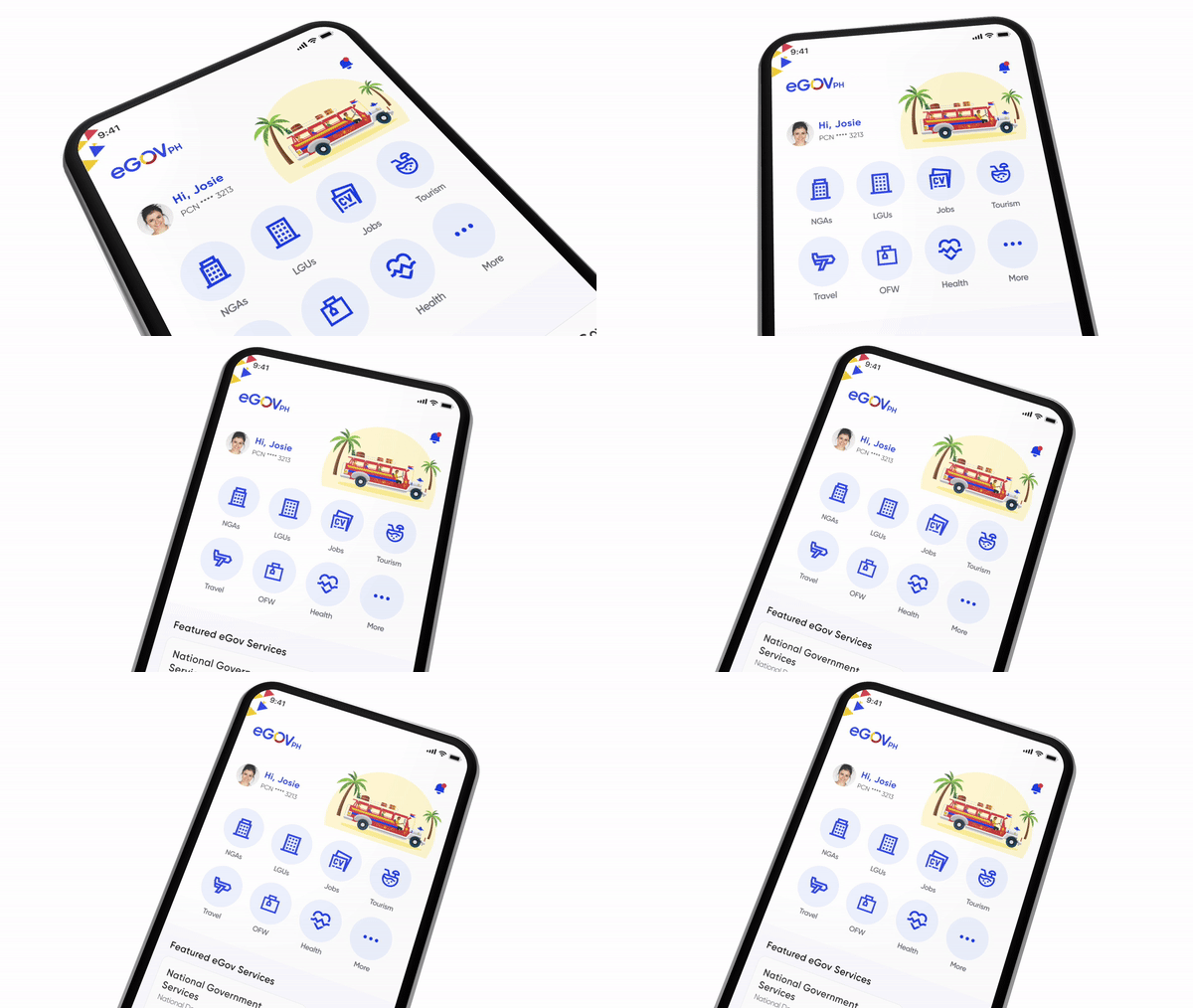
The eGov PH Super App is a mobile application developed by the Department of Information and Communications Technology to provide easier and faster access to government services in the Philippines. It brings together various national and local agencies in one digital platform, allowing citizens to perform everyday transactions without needing to visit physical offices. This initiative supports the government’s vision of a connected nation, where technology makes services more accessible, transparent, and efficient. Whether you need to access your PhilHealth account, renew a driver’s license, or register for a national ID, the app aims to simplify the process and reduce the time spent on paperwork and in queues.
What are the features
Designed with a citizen-first approach, the eGov PH Super App offers a centralized platform for a wide range of government services. It allows users to interact with multiple government agencies without having to switch between different websites or apps. Services available include applications for NBI clearance, SSS and Pag-IBIG records, PhilHealth inquiries, and local government transactions. The app also supports the national ID system, letting users register and verify their identity through facial recognition. By using the app, citizens can perform most transactions anytime and anywhere using their smartphones, making public service more efficient and convenient.
How to create an account
Getting started with the eGov PH Super App is easy. First, download the app from the Google Play Store or Apple App Store. Once installed, open the app and register using your mobile number. You will receive a one-time PIN for verification. After entering the code, the app will prompt you to provide basic personal information such as your name and birthdate. To complete the process, the app uses facial recognition technology to verify your identity and secure your account. Once your identity is verified, you will have access to the dashboard where all available government services are ready for use.
Is my personal data safe?
The eGov PH Super App is built on a strong legal foundation to ensure data protection and accountability. It complies with the Data Privacy Act of 2012, which safeguards personal and sensitive information collected from users. All data submitted through the app is securely stored and encrypted. In addition to privacy protection, the app follows national laws that support digital transformation. These include the DICT Act of 2015, which created the department responsible for digital infrastructure, the Ease of Doing Business and Efficient Government Service Delivery Act of 2018, and the Philippine Identification System Act, which enables a unified national ID system. These laws ensure that the app operates legally and ethically while delivering quality public service.
 Ilonggo Engineer
Leave a comment